Installation
Get Started with Keyscope
Follow the instructions below to install and set up Keyscope on your machine.
macOS Installation
1
Download the .dmg file
Get the latest macOS installer from our Download page.
2
Mount the Disk Image
Double-click the downloaded .dmg file to mount it.
3
Drag and Drop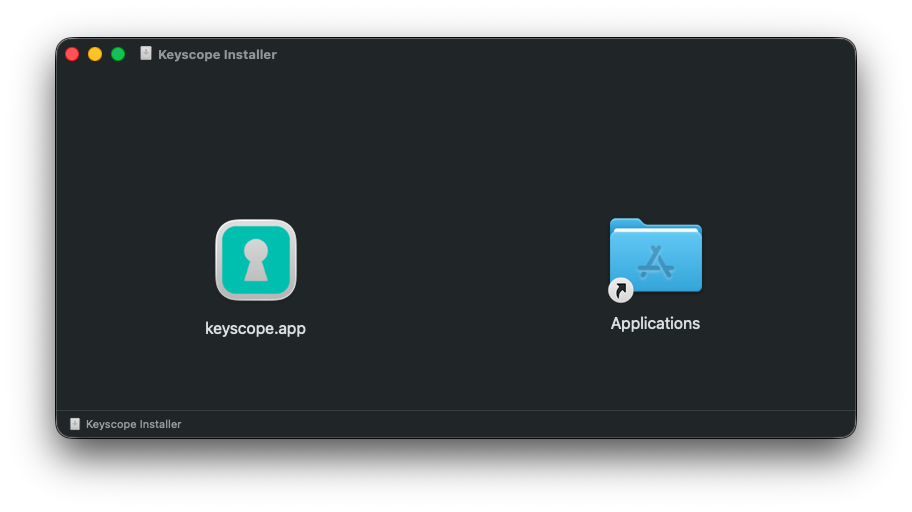
Drag the Keyscope application icon into the Applications folder shortcut provided in the window.
4
Launch Keyscope
Open Launchpad or your Applications folder and click on Keyscope.app to start.