Installation
Get Started with Keyscope
Follow the instructions below to install and set up Keyscope on your machine.
Windows Installation
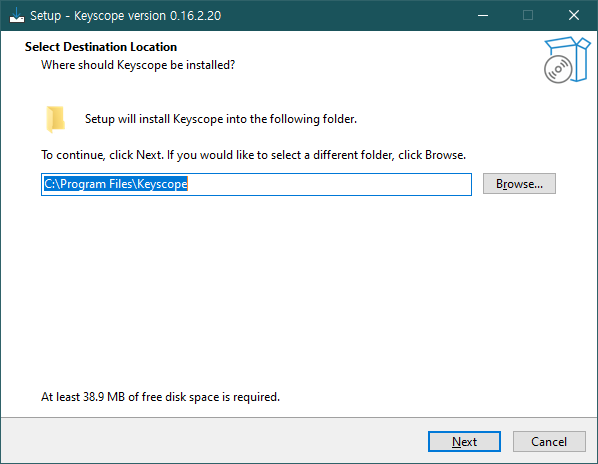
Step 1Select Destination
Run the installer and choose the installation folder.
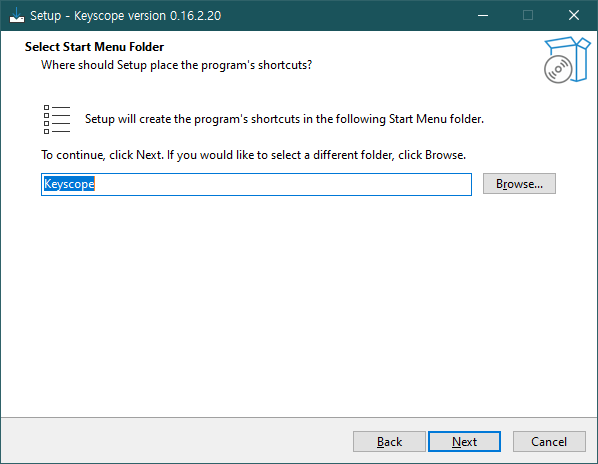
Step 2Start Menu Folder
Choose where the program shortcuts should be placed.
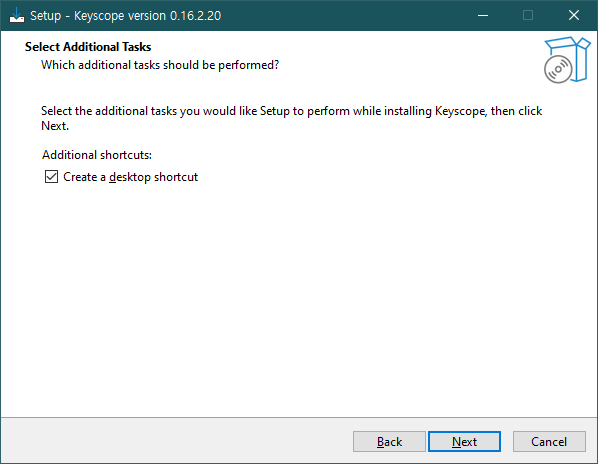
Step 3Additional Tasks
Check "Create a desktop shortcut" for quick access.
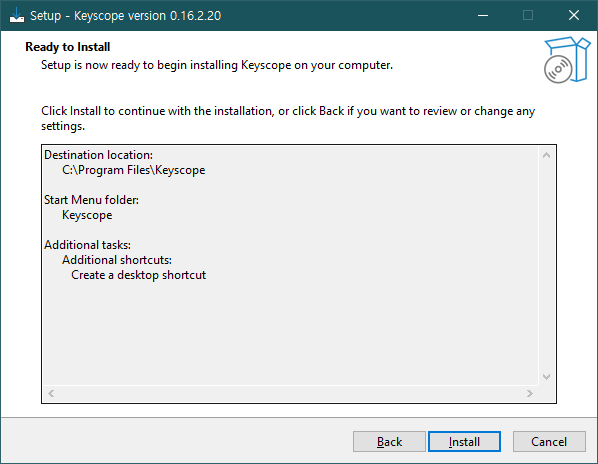
Step 4Ready to Install
Review your settings and click Install to proceed.
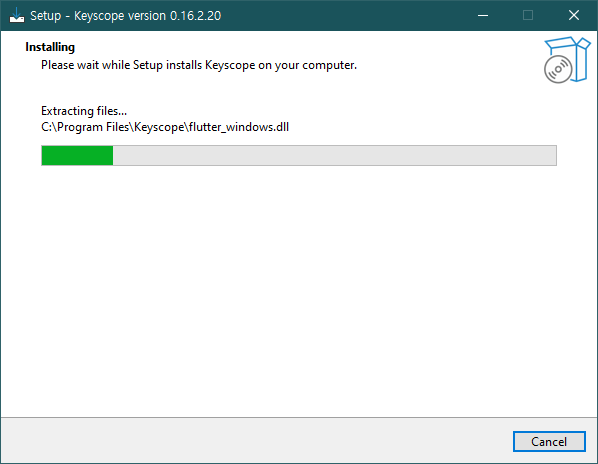
Step 5Installing
Please wait while Setup installs Keyscope.
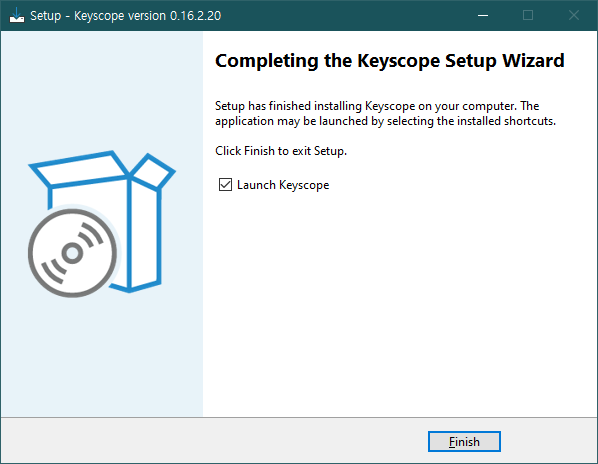
Step 6Complete & Launch
Click Finish. A shortcut will be created on your desktop.